


You're probably dealing with this right now. A new tech needs a phone by Monday. You want them on the road fast, not calling the office because the map froze, the route disappeared, or the app ate up the phone's storage.
That's why the difference between Google Maps and Google Maps Go matters more than most small business owners realize. For a local service company, your map app isn't just a convenience tool. It affects dispatch, arrival times, customer experience, and how well your team supports the bigger goal, which is winning transactional search terms like “roofer near me,” “dentist near me,” or “AC repair near me.”
If someone searches with buying intent, you want your business in front of them. That's the whole game. Transactional searches produce calls, booked jobs, and patients. The wrong tool in the field won't destroy your rankings by itself, but it can create operational friction that costs you leads and weakens the customer experience after the click.
Choosing the Right Map for Transactional Success
A plumbing owner buys three low-cost Android phones for new hires. The thought process is simple. Keep hardware costs down, install a map app, and get the trucks moving. On paper, Google Maps Go sounds perfect because it's small and light.
In practice, that decision can split into two very different outcomes. If those phones are only being used for basic address lookup in strong coverage areas, Google Maps Go might be enough. If those same techs are driving to rural properties, new developments, or dead zones, “good enough” stops being good enough fast.
That's the business angle most consumer reviews miss. They compare convenience. You need to compare lead capture and service delivery. When someone finds you through Google Business Profile after searching “electrician near me,” the next step has to be smooth. Fast routing, clean dispatch, on-time arrival, and fewer phone calls asking for directions all matter.
Your map choice also ties back to your local SEO process. If your company depends on appearing in the map pack, you should understand how to rank higher on Google Maps and how your field operations support the reputation behind that visibility.
Practical rule: Use tools that help you win the search and complete the job. Don't optimize for app size alone if it creates friction after the lead comes in.
For local service SMBs, this isn't a gadget decision. It's an operations decision tied directly to transactional revenue.
Google Maps vs Google Maps Go An Overview
Google Maps and Google Maps Go serve different jobs. Treating them like interchangeable apps is a mistake.
What Google Maps is built for
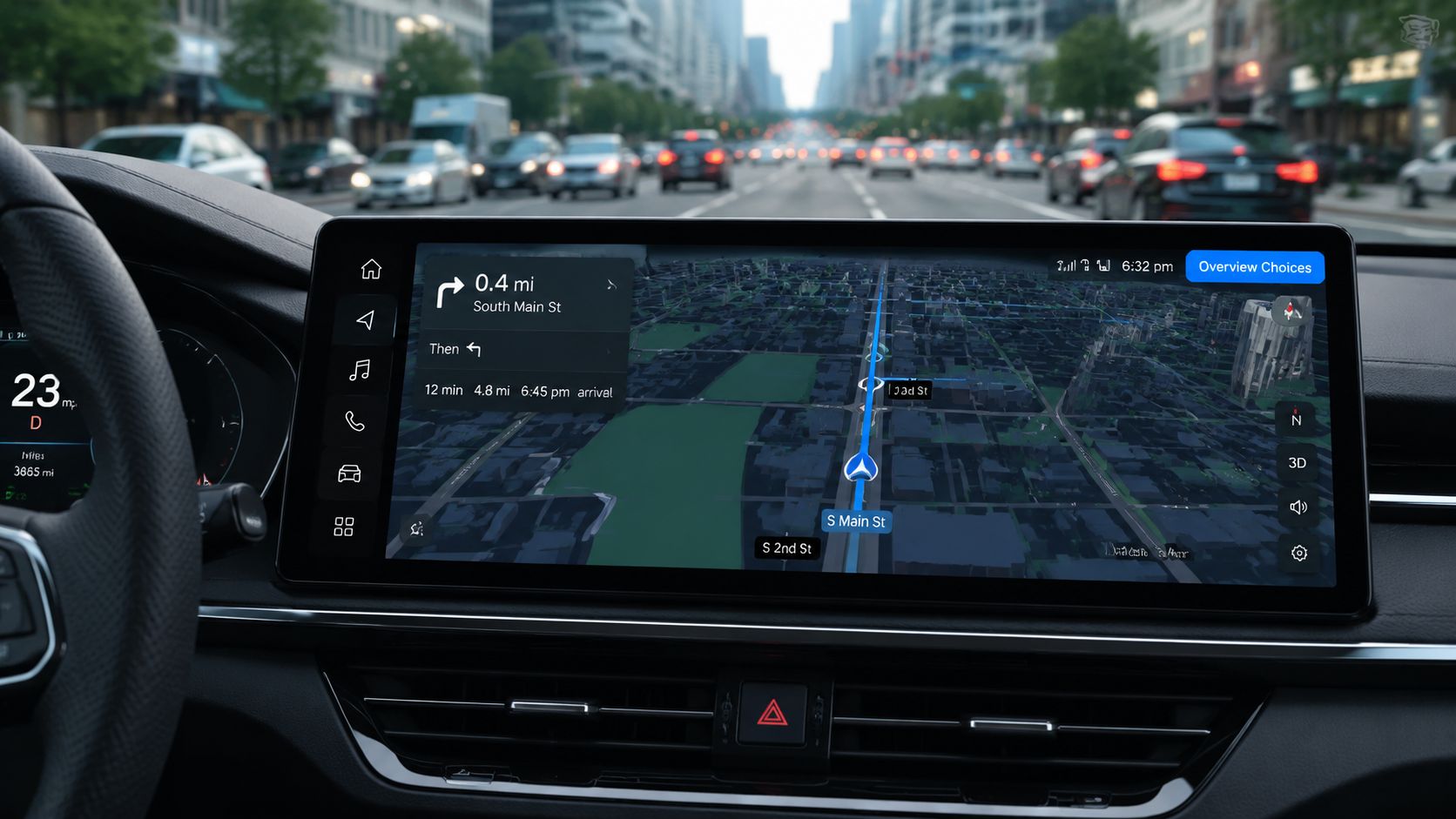
Google Maps is the full product. It's built to handle navigation, place discovery, saved locations, business details, account integration, and the wider Google location ecosystem. For an owner or office manager, it functions like a control center.
If you're checking directions to a job, looking up a competitor, verifying a service-area address, or interacting with your business presence, the full app is the one designed for that workload. It's the version meant for people who need all the moving parts in one place.
What Google Maps Go is built for
Google Maps Go is the stripped-down version for constrained devices. It's a lightweight Progressive Web App designed for phones with limited storage and memory. It exists because a lot of users don't have high-end hardware, large app budgets, or strong connectivity all day.
That makes it useful, but only in a narrow lane. It's for basic map access, lighter performance, and simpler use on lower-spec Android devices. It is not the full experience in a smaller package. It's a separate approach.
If you want a broader view of lightweight and accessibility-minded navigation options, this top free navigation tools review from Waymap is a useful outside reference.
The real business distinction
For local service companies, the split is simple:
| Role | Better Fit |
|---|---|
| Owner or office manager | Google Maps |
| Dispatcher using a modern phone | Google Maps |
| Technician on a low-spec Android Go phone | Google Maps Go, with limitations |
| Team working in weak-signal areas | Google Maps |
One app helps run the business side of local visibility. The other helps basic devices display maps without choking. That's the difference between Google Maps and Google Maps Go.
Core Feature and Performance Comparison
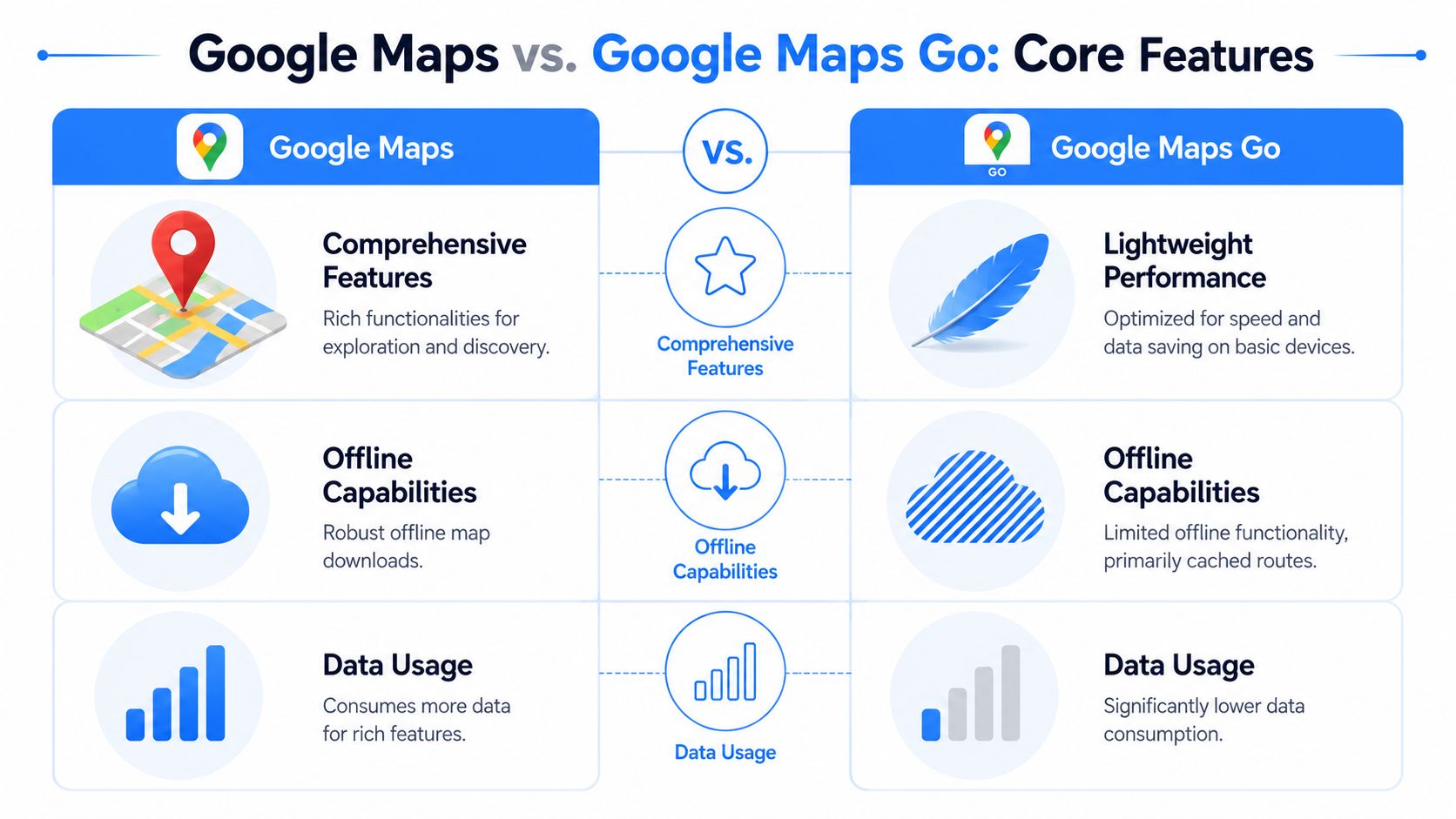
The biggest mistake I see is owners assuming both apps do the same job, just at different speeds. They don't. The full app is broader. The Go version is narrower. For a service business, that gap shows up in search, routing flexibility, and day-to-day usability.
Storage and device impact
The storage gap is massive. Google Maps Go occupies approximately 255 KB to 2 MB of device storage, which is roughly 100 times less than the full Google Maps application that consumes about 14 MB (144 MB in some updated versions), making it specifically engineered for devices with limited memory and storage capacity according to this Google Maps Go size comparison reference.
That matters if you're issuing cheap phones to technicians. A lighter app means fewer complaints about storage, fewer slowdowns, and less risk of budget devices bogging down before lunch.
Feature trade-offs that matter in the field
The problem is that service businesses don't just need a map on a screen. They need a route that holds up under pressure.
Here's the practical breakdown.
| Feature | Google Maps Full App | Google Maps Go |
|---|---|---|
| Address and place lookup | Broader experience with deeper account integration | Basic lookup works, but simplified |
| Interface | Richer and more capable | Cleaner but more limited |
| Route planning | Better for more demanding use | Best for straightforward A-to-B use |
| Offline map support | Available in the full app | Not built for strong offline use |
| Turn-by-turn navigation | Built into the app | Split into a separate navigation experience |
| Device demand | Heavier on storage and resources | Lightweight for low-memory phones |
What businesses gain and lose
The full app gives you more control. If your dispatcher is juggling schedule changes, checking landmarks, and helping a tech reroute after a cancellation, the full app is easier to trust.
Google Maps Go gives you efficiency. On weak hardware, that's a real benefit. It can keep a basic phone functional where the full app may feel bloated.
But a lightweight app doesn't automatically mean a better business choice.
Use Google Maps Go when the device is the bottleneck. Use Google Maps when the workday is the bottleneck.
A home service business usually cares about three things in the field:
- Speed to destination: Can the tech get there without extra office support?
- Clarity on the route: Can they recover quickly when the customer address is awkward or incomplete?
- Low friction: Can the phone handle mapping without slowing down everything else?
If your team relies on low-cost phones and simple routing, Google Maps Go has a place. If your technicians bounce across changing service areas all day, the full app is usually worth the extra storage.
For businesses working hard to show up in the local pack for terms like “plumber near me,” “chiropractor near me,” or “air conditioning repair near me,” operational reliability supports the bigger SEO machine. Showing up matters. Delivering cleanly after the call matters too. That's why local visibility teams often watch Google Maps ranking factors and field execution together, not as separate issues.
The Reality of Navigation and Offline Use
Most business owners often get misled.
They assume Google Maps Go is a slimmed-down navigator that still handles core driving needs. That assumption causes problems in the field.
The navigation gap most articles gloss over
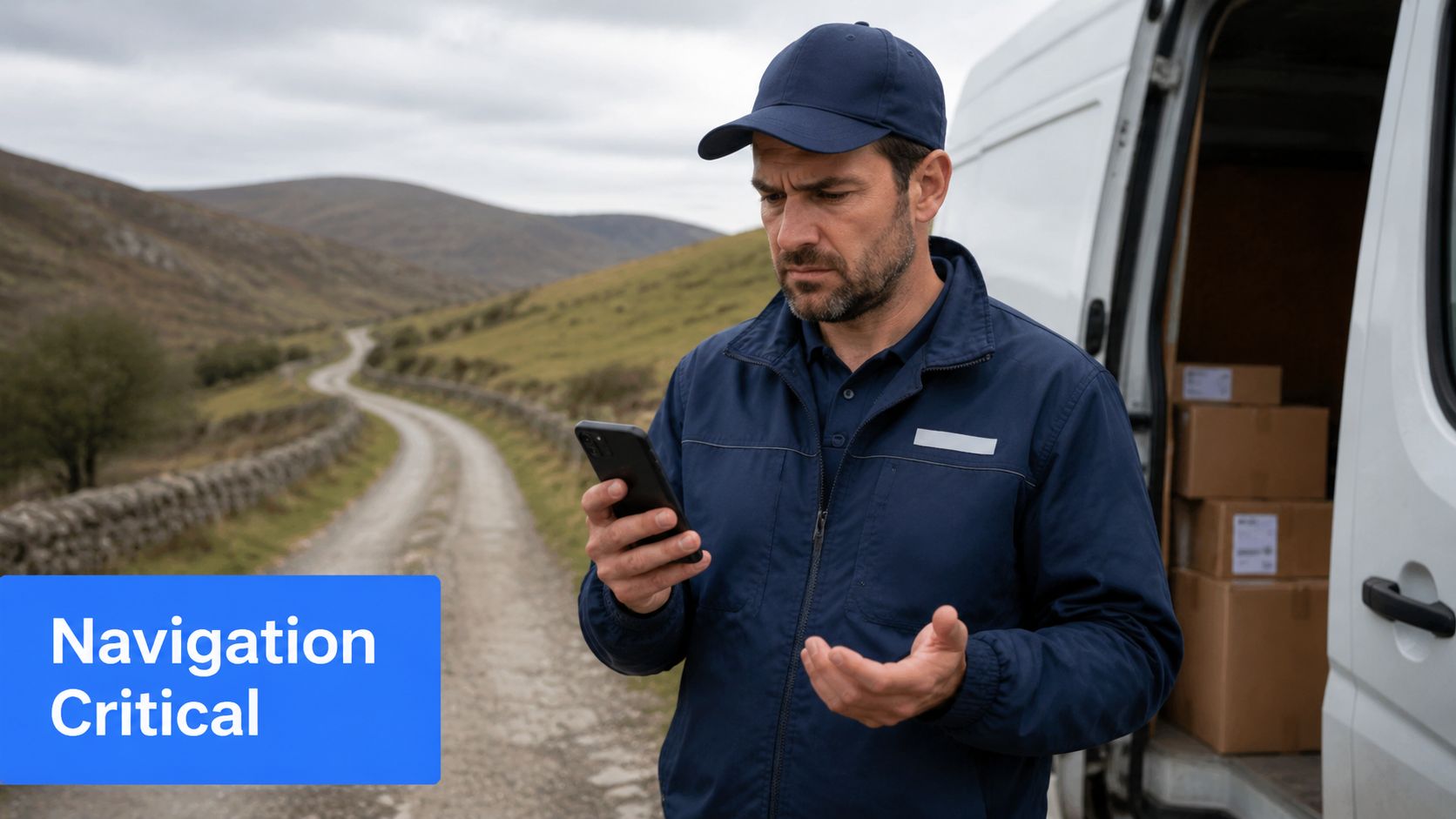
The sharpest warning is this: the critical gap in existing content is the failure to emphasize that Google Maps Go lacks turn-by-turn navigation and offline maps, forcing users in low-connectivity or data-limited regions to rely on a separate, barebones app called “Navigation for Google Maps Go” as noted in this Android Authority analysis of Google Maps Go limitations.
That's the issue. Not cosmetic differences. Not a slightly simpler interface. A real operational gap.
If your technician is heading to a house in a dead-signal area, Google Maps Go can become a liability. The full Google Maps app is built for a more complete navigation experience. Google Maps Go requires extra handling for something generally assumed to be standard.
A field tech doesn't care that an app is lightweight if it can't reliably guide them to the driveway.
Why this matters for service businesses
A missed turn doesn't just waste time. It creates a customer service problem.
If your roofing estimator arrives late because the route failed, that customer gets irritated before the appointment starts. If your pest control tech has to call the office for backup directions, your dispatcher loses time too. If your med spa client or dental patient can't get clear confirmation from your team because the route is messy, the day gets harder than it needs to be.
That's why I wouldn't put Maps Go on every company phone by default.
To see the navigation issue in context, this video is worth a quick look:
When Google Maps Go still works
Google Maps Go can still make sense if all three conditions are true:
- Your phones are weak: You're using Android Go devices or other low-spec hardware.
- Your routes are simple: Techs are mainly going from one saved address to another in decent coverage zones.
- Your team understands the limitation: Nobody expects full offline navigation from the app.
If any one of those breaks, the full app becomes the safer choice. For local service companies, navigation reliability isn't optional. It protects appointment quality, review quality, and the customer experience that follows a transactional search.
Device Requirements and Data Consumption Costs
If you're equipping multiple techs, hardware costs get real fast. In such cases, Google Maps Go proves its value. It was built for weaker phones that many field teams still use.
Why low-end devices change the decision
According to this Google Maps vs Google Maps Go storage breakdown, Google Maps Go occupies approximately 208 KB to 2 MB of storage space, whereas the full Google Maps app requires about 144 MB to 180 MB, representing a 70x to 900x reduction in storage footprint that enables operation on devices with less than 1 GB of RAM.
That's a huge practical difference. On a cheap company phone, every installed app competes for breathing room. If the device already runs call software, job management tools, photo uploads, and messaging apps, the lighter map option can keep the phone usable.
The cost analysis owners should actually use
Don't ask which app is “better.” Ask which app fits the phone and the route conditions.
Use this filter:
- Budget phone fleet: Maps Go is often the only realistic choice if performance is already tight.
- Modern phones with enough storage: Full Google Maps usually wins because it reduces workarounds.
- Heavy travel in patchy service areas: Pay for the stronger setup. Cheap hardware becomes expensive when techs get lost.
- Urban service routes with stable coverage: Maps Go can be acceptable for basic field use.
Owner takeaway: Saving storage on ten phones is smart. Saving storage and creating avoidable dispatch problems isn't.
There's also a website angle here. If your team and customers operate heavily on mobile devices, your site experience has to match that reality. A business that wants more calls from “near me” searches should pay attention to mobile-optimized sites because mobile friction hurts both leads and conversions.
The short version is simple. Google Maps Go lowers hardware pressure. The full app lowers operational pressure. Your decision should reflect which pressure is more dangerous to your business.
Managing Your Google Business Profile and Local SEO
If you care about leads, this is the section that matters most.
Your Google Business Profile is one of the strongest assets you have for winning transactional searches. When someone types “plumber near me,” “dentist near me,” or “HVAC repair near me,” your profile often becomes the first impression before they ever visit your website.
Why the full app matters here
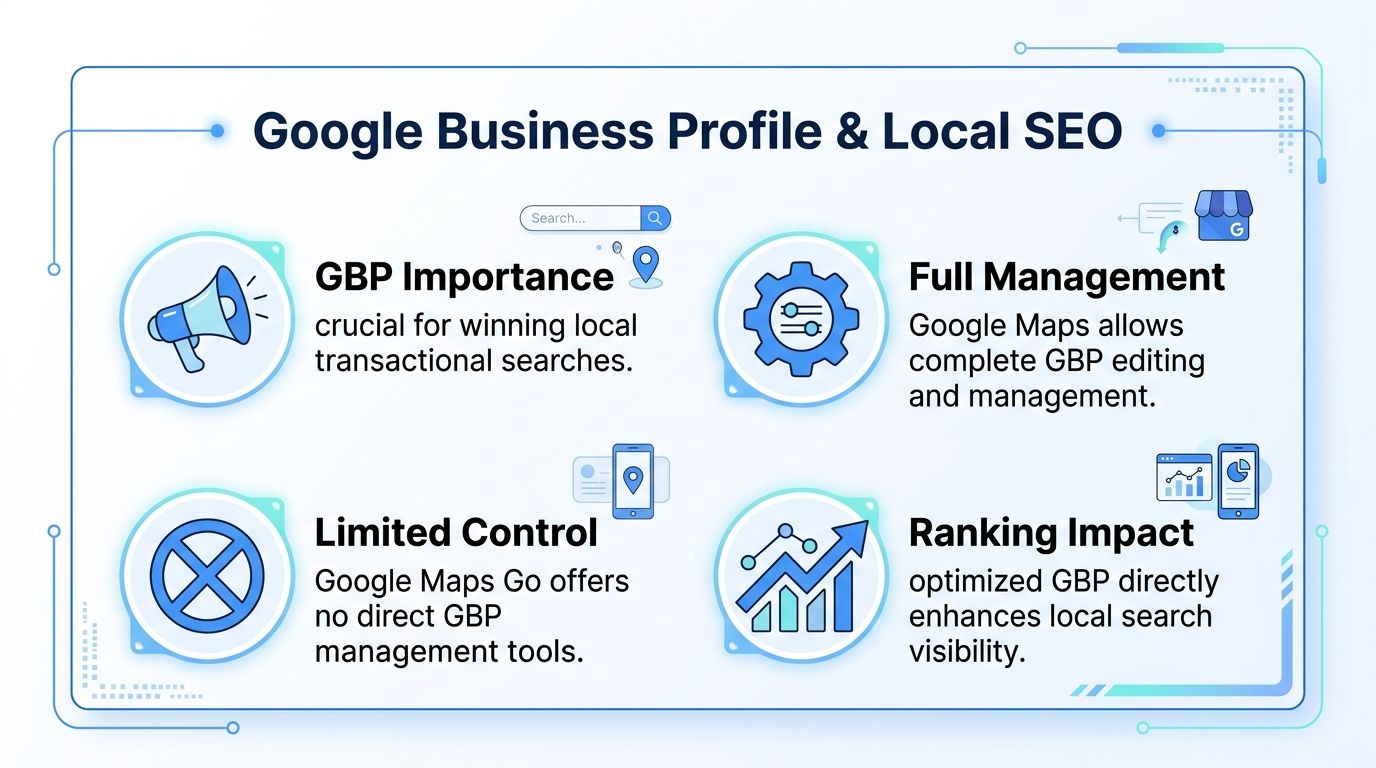
Google Maps Go is not the app I'd trust for business management. It's built for lightweight map access, not for active profile work.
The full Google Maps app fits owners and office teams because local SEO isn't passive. You need to respond to reviews, monitor how your listing appears, check business details, confirm hours, upload fresh photos, and stay active. Those activities support visibility for the searches that produce revenue.
Many small businesses often misunderstand this aspect. They think local SEO means setting up a profile once and waiting. That's not how map rankings work in practice.
Transactional searches are the target
A transactional search means the buyer is close to action. They're not researching for fun. They're looking to hire.
Examples are straightforward:
- Home services: “AC repair near me,” “electrician near me,” “roofer near me”
- Healthcare and local practice: “dentist near me,” “chiropractor near me,” “med spa near me”
- Urgent services: “pest control near me,” “emergency plumber near me”
Those are the terms that matter because the person searching is ready to spend money. That's why local businesses should care so much about map visibility.
If you want a solid outside perspective on map pack visibility, these proven local ranking strategies from Raven SEO are worth reviewing.
Maps visibility and AI visibility are converging
This is also where AI optimization enters the conversation. Businesses are increasingly being surfaced through LLM-driven search experiences, summaries, assistants, and local recommendation layers. Those systems pull from the same ecosystem of business data, relevance, authority, reviews, and location consistency.
If your Google Business Profile is weak, stale, or unmanaged, you're not just risking map visibility. You're making it harder for AI-driven discovery systems to trust and surface your business when buyers ask local intent questions.
Your profile is no longer just a listing. It's part of the data layer that helps search engines and AI systems decide who gets recommended.
That's why serious local businesses should invest time in how to optimize Google Business Profile. If you want more calls from transactional searches, this work is not optional.
Our Recommendation for Local Service SMBs
Here's the straight answer.
Who should use Google Maps
If you own the business, manage marketing, handle dispatch, or oversee the office, use Google Maps. Don't overthink it. You need the full environment because your job touches customer interaction, local visibility, and business operations.
You're not just driving somewhere. You're managing the ecosystem that helps your company show up when someone searches “roofer near me” or “dentist near me.” That requires the full app mindset, not the lite version mindset.
Who can use Google Maps Go
If you issue low-cost Android devices to field technicians and those phones struggle with storage or memory, Google Maps Go can work for basic map access. It has a real role on weak hardware.
But only use it when the job conditions are simple. Stable coverage. Straight routes. No expectation of advanced offline handling. No confusion inside the team about needing a separate navigation setup for more complete guidance.
The best setup for most SMBs
For most local service companies, the smartest move is a hybrid setup:
- Owners and office staff: Full Google Maps
- Techs with capable phones: Full Google Maps
- Techs on low-spec Android Go devices: Google Maps Go, only if the route conditions are forgiving
That's the practical answer to the difference between Google Maps and Google Maps Go. One is the business-grade choice for visibility and control. The other is a compromise tool for constrained devices.
If your company is serious about capturing transactional search terms, focus on the bigger picture. Show up for “air conditioning repair near me,” “plumber near me,” and “dentist near me.” Build your Google Business Profile properly. Keep operations tight. Then choose the map app that supports that mission instead of getting in its way.
Transactional LLC helps local service businesses win the searches that generate revenue. If you want to show up for transactional terms like “roofer near me,” “dentist near me,” or “AC repair near me,” and improve your map pack visibility at the same time, Transactional LLC can help you build a stronger Google Maps, local SEO, and AI optimization strategy that turns searches into calls and booked jobs.