


A homeowner searches “roofer near me” after spotting a leak. A patient types “dentist near me” because they want an appointment, not a lecture about your brand. Then the searcher lands on a generic service page with no city relevance, no visible phone number, weak proof, and a form that feels like work. The lead disappears.
The strongest local landing page examples solve that problem quickly. They make the service, location, credibility, and next step obvious before the visitor has to think. The seven picks below are practical teardowns, not screenshots to admire. Each one is judged through the same five-part lens: hero, proof, schema, CTA, and city signals. I'll also reframe every pattern around transactional searches, the high-intent queries behind calls, bookings, and estimate requests. For additional context on landing page builders for contractors, see this review of Pipeline On.
1. Scorpion
Scorpion's home services landing page examples are useful because they stay close to the reality of HVAC, plumbing, electrical, and roofing marketing. These aren't abstract SaaS layouts. They focus on the details that decide whether a homeowner calls, including a prominent phone number, a short lead form, visible reviews, and a close match between the ad and the page.
The five-element teardown
- Hero: Lead with the urgent service and the city or service area. “Emergency HVAC Repair in Phoenix” is more useful than “Comfort You Can Count On.”
- Proof: Place reviews, certifications, technician credentials, or recognizable service guarantees close to the form. A visitor searching for a roofer near me wants evidence before sharing contact details.
- Schema: Pair the visible business information with accurate
LocalBusinessandServicestructured data. Schema won't rescue thin content, but it helps clarify the entity, service, and location. - CTA: Keep the phone option and form visible together. A caller and a form-filler have different preferences, so forcing both into one path loses opportunities.
- City signals: Name the city, neighborhoods, landmarks, and actual service boundaries naturally. Don't create a page that swaps the city name while every other sentence stays identical.
The strongest Scorpion pattern is message match. If an ad promises same-day plumbing repair, the landing page should repeat that service, explain what happens next, and show the local phone number immediately. A generic homepage breaks that chain.
Practical rule: The first screen should answer three questions without scrolling: “Am I in the right place?”, “Can I trust this company?”, and “How do I contact it?”
For a service business that needs the page and the supporting conversion path built together, review Transactional's home services web design. The useful takeaway from Scorpion isn't to copy a visual style. It's to brief every page around one transactional search, one service, and one service area.
2. Apexure
Apexure's Local Services landing page gallery works best as a page-briefing tool, not a mood board. It covers home services, healthcare, and professional services, with notes on hero sections, trust content, FAQs, location cues, forms, and conversion flow.
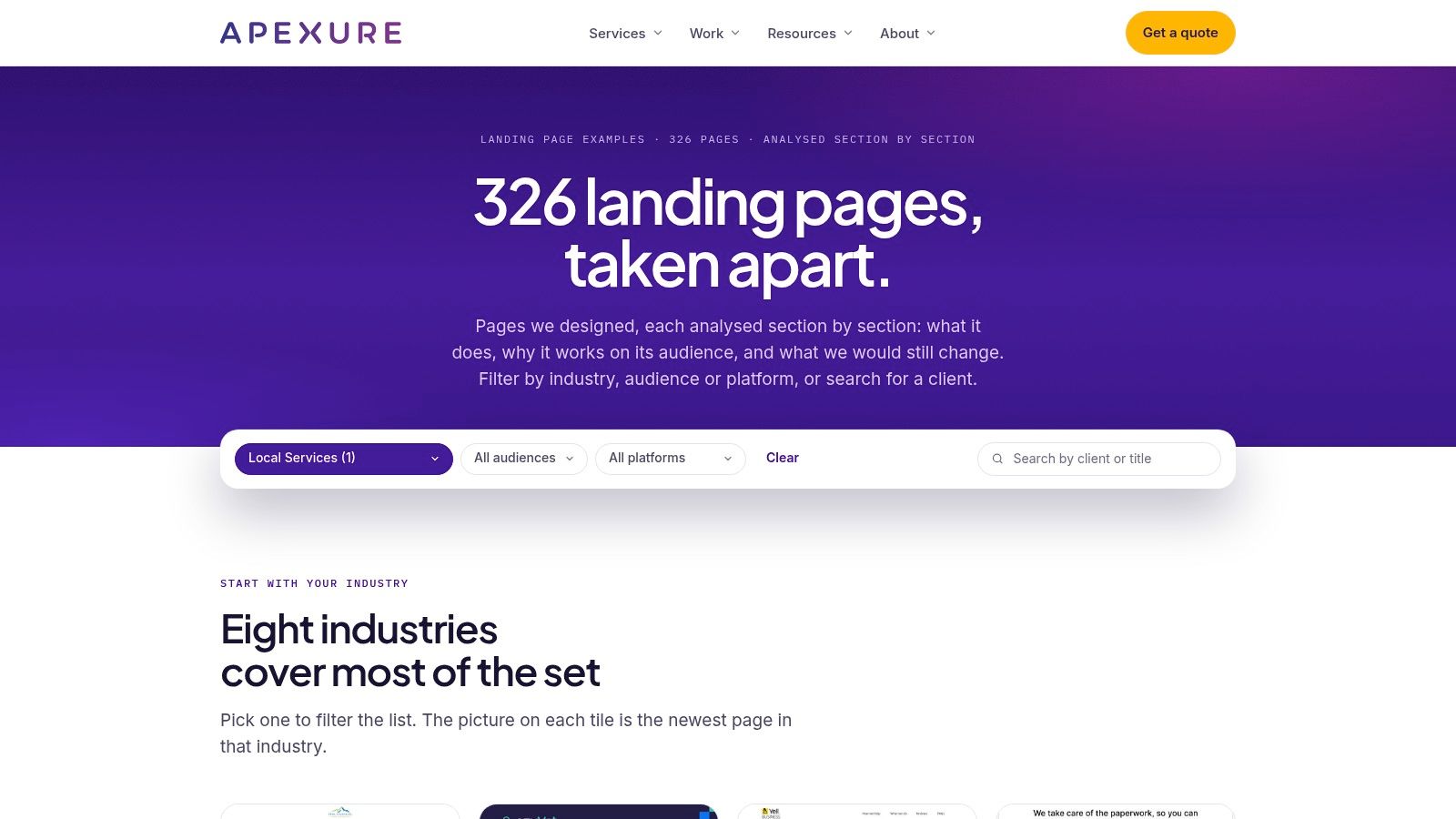
Use the gallery to examine decisions at each stage of the page. Check how a plumbing example handles the first scroll, where the phone number appears, how much information its form requests, and whether the content answers common objections. That makes it useful for designers and SEO managers building a page brief around a transactional query.
The five checks for a local conversion page
- Hero: Lead with the service and city, followed by a specific benefit. A direct headline gives a searcher immediate message match. A brand manifesto delays the answer.
- Proof: Group reviews around the service being sold. A water-heater installation review supports that query better than a general compliment about the company.
- Schema: Mark up the business and service accurately. Confirm that the visible NAP details match the structured data.
- CTA: Name the next action, such as “Request a Plumbing Estimate” or “Book a Dental Consultation.” “Learn More” gives the visitor no clear path.
- City signals: Add neighborhoods, directions, parking details, and service-area information when they help visitors choose the business. Arc4's local landing page guidance recommends useful local context, including reviews, directions, parking, and location-based CTAs, instead of repeating a city name in a template.
Apexure's trade-off is source quality. Some examples are polished agency work rather than pages proven to compete in a specific local market. Borrow the structure, then adapt the message, proof, and offer to the searcher's intent. The gallery cannot prove that a design ranks.
Apply the pattern to a distinct service-city query. Give the page original details about that service, area, process, and next step. “Drain Cleaning in Mesa” deserves its own focused page when that is the search, while a generic “Our Services” page leaves the conversion and ranking signals too broad.
3. Swipe Pages
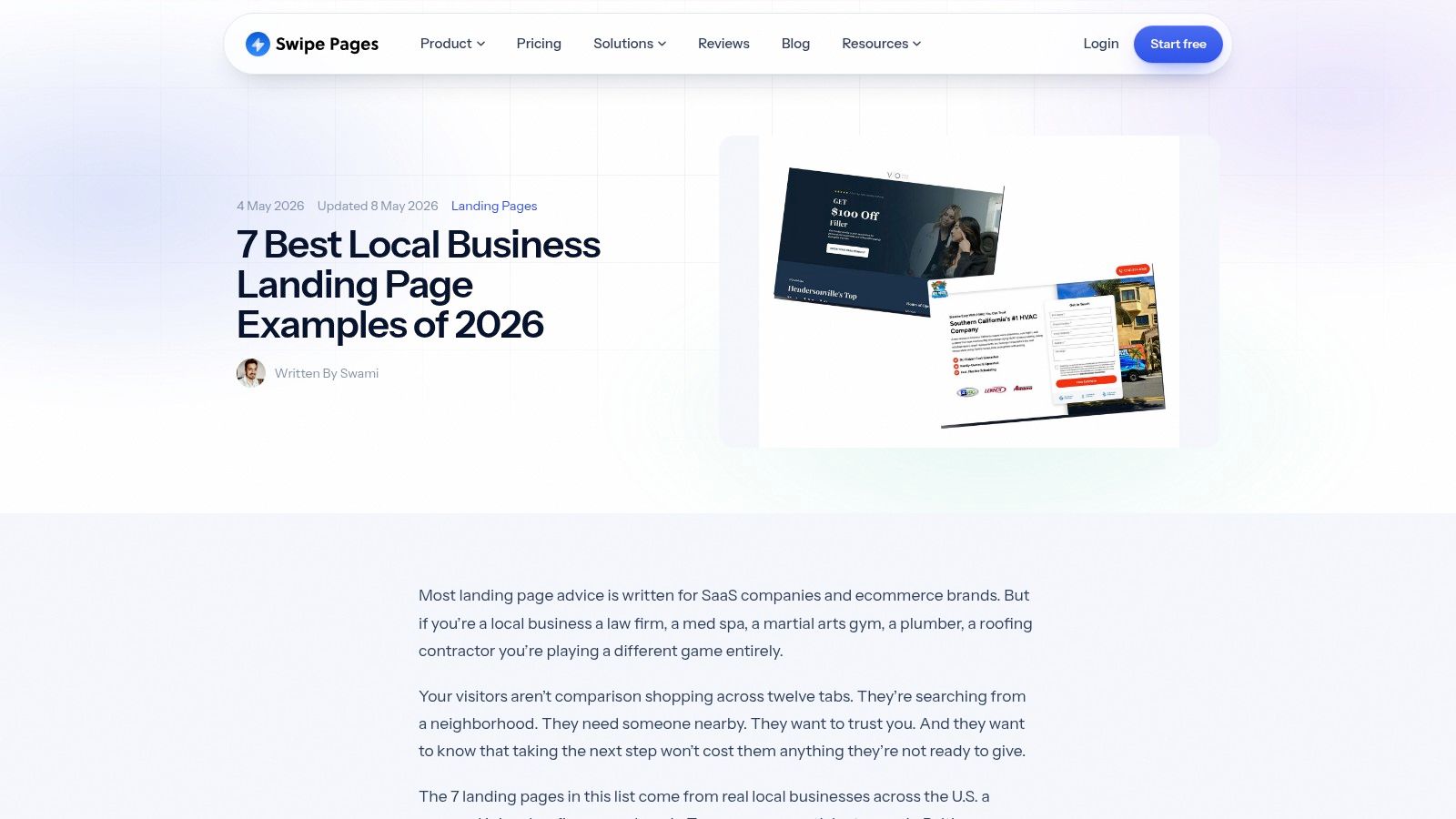
A visitor searches “HVAC repair near me” on a phone, lands on a polished page, and still leaves because the service area is unclear and the call button is buried. That failure is the practical lesson in Swipe Pages' local business landing page examples. The gallery covers legal, healthcare, fitness, HVAC, plumbing, roofing, and dental pages, with useful patterns for buyer psychology, mobile calls to action, speed, trust, and offer-focused copy.
Use each example as a five-part check against a transactional search play:
- Hero: Put the service, city, and immediate outcome in the first message. “Free Roof Inspection in Tempe” gives stronger query alignment than a company-history headline.
- Proof: Place a concise review, rating, credential, or local result beside the first call to action. Move detailed testimonials lower, where they can support visitors who need more reassurance.
- Schema: Mark up the business and service accurately. Structured data should reinforce the page identity, not compensate for vague or unreadable content.
- CTA: Make the mobile action easy to tap. A sticky call button can suit urgent jobs, but it must not cover content or compete with the main form.
- City signals: Show the address, hours, service area, and directions when they apply. A company serving several cities should describe that coverage accurately rather than imply a storefront at every location.
The gallery favors refined layouts, but copying visual effects can slow a small business page and distract from the offer. Local visitors may arrive from a Google Business Profile, map result, or mobile ad. The page must communicate quickly, with the phone number, service area, and next step visible without unnecessary searching.
Build a dedicated service landing page for each meaningful service-city combination. Link the service hub, city pages, and supporting guides so visitors can reach a booking or call, while search engines can distinguish each transactional target. A plumbing company might create a focused “Drain Cleaning in Mesa” page rather than force every service into a generic “Our Services” page.
4. Unbounce
A contractor can launch a polished lead-generation page quickly with Unbounce's home services landing page templates. The collection covers repair, renovation, cleaning, construction, and related local trades, with experimentation and lead-routing tools connected to the page.
Speed is the practical advantage. Start with a proven layout, put the phone number and form where visitors expect them, then test the offer, copy, and form flow without rebuilding every variation. The trade-off is clear: a template accelerates production, but it does not create local relevance.
Use this five-part review before publishing:
Hero: Match the headline to transactional intent. Name the service, city, and immediate outcome instead of leaving generic template copy in place.
Proof: Replace decorative badges with evidence the business can substantiate, such as reviews, licenses, associations, technician photos, and project examples. A false credential damages trust.
Schema: Add LocalBusiness, Service, and location details only when they accurately identify the business and page. Markup should clarify the offer for search engines, not cover thin content.
CTA: Test phone-first and form-first versions when the job is urgent. For less urgent services, an estimate or consultation may produce a better response than a call.
City signals: Make the page useful to someone searching locally. Include original details about service areas, neighborhoods, local conditions, directions, and availability. Swapping one city name into an otherwise unchanged template creates a doorway page, not a strong transactional destination.
Unbounce fits paid campaigns particularly well because a tightly matched page keeps the offer separate from the distractions of a full website. For organic local search, expand beyond the conversion block: answer the query, link to related services, and demonstrate that the business serves the location. A visitor arriving from a map result, Google Business Profile, or mobile ad should see the service area, phone number, and next action without hunting.
Testing should continue after launch. A large split test of location-specific pages reported an 88% conversion increase and a 45% reduction in cost per acquisition after redesigning the pages, according to MarketingSherpa's location-page case study. Those results apply to that test, not every Unbounce template. They do support treating each page as an operating asset, with ongoing offer and layout experiments rather than a one-time design task.
5. SangFroid Web Design
SangFroid Web Design's city page examples address the problem that causes many multi-city websites to fail: publishing a batch of near-identical pages with different city names. The examples focus on structure, local proof, content depth, and internal linking, which are the details that separate a useful service-area page from a thin location doorway.
Choosing the right page type
A city page makes sense when the business has a meaningful presence, customer base, or service pattern in that city. A neighborhood page can work when the neighborhood has distinct access, housing, commercial, or service considerations. A service-area page is usually the honest choice when technicians travel there but the company has no physical branch.
Apply the same five checks before approving the URL:
- Hero: Say what the business does in the target city and make the offer specific to the visitor's problem.
- Proof: Use reviews and project examples connected to that city or nearby service area. Don't imply local work that never happened.
- Schema: Identify the business location and the service accurately. Structured data must clarify the business, not manufacture branches.
- CTA: Use a single primary action, such as “Schedule HVAC Repair” or “Request a Roof Inspection,” with a visible call option.
- City signals: Include useful local detail, including nearby communities, driving instructions, response areas, parking, or climate-related service context where relevant.
Top local pages commonly prioritize relevance and mobile usability. A benchmark analysis found an average page length of 653 words, 86% mobile-friendly pages, 76% with the target location in the title tag, and 37% with testimonials, according to Blogging Wizard's local landing page analysis. Treat those figures as a competitive reference, not a word-count target. A shorter page with genuine local proof can beat a longer page padded with repeated keywords.
For service businesses managing several cities, Transactional's website design for service companies is relevant because the page system has to support both conversion and expansion. Build the service hub first, connect it to clearly differentiated city pages, and give every page a reason to exist.
6. Roast My Page
Roast My Page's home service website gallery is designed for fast pattern recognition. It covers trades such as HVAC, plumbing, roofing, pest control, and other home services, so an operator can quickly compare how businesses present offers, phone numbers, reviews, service categories, and project imagery.
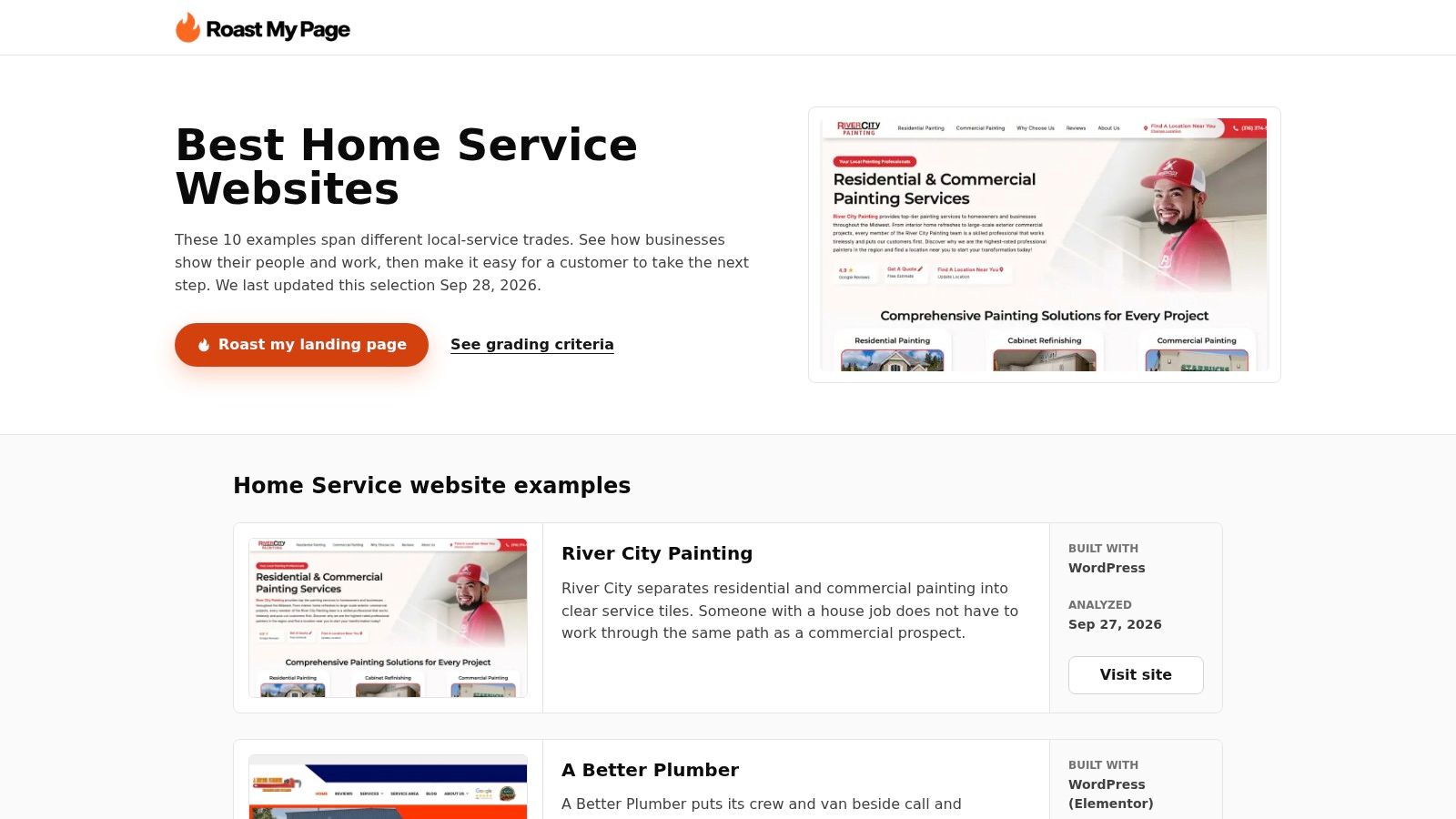
The trade-off is depth. The commentary is brief, and some entries are complete websites rather than isolated campaign pages. That makes the gallery useful for collecting patterns, but not sufficient for deciding whether a particular page matches a “pest control near me” or “emergency plumber near me” query.
Score the pattern, not the polish
- Hero: Look for a service-specific promise, an obvious location, and a CTA that can be understood in seconds.
- Proof: Check whether the page uses real project photos, relevant reviews, credentials, guarantees, or team information. Stock imagery alone doesn't prove local capability.
- Schema: Confirm that the page should represent a business, a service, or a location, then implement only the applicable structured data.
- CTA: Count the competing actions. A page that offers calls, quotes, newsletters, social links, multiple menus, and unrelated promotions may lack a clear conversion priority.
- City signals: Look for an actual service area, not just a city in the footer. Nearby communities, response zones, local project references, and accurate contact details make the page more credible.
So many attractive examples flop here. They look like complete websites, but a transactional landing page often needs less navigation and more focus. The visitor who searched “air conditioning repair near me” shouldn't have to browse a gallery, read a company history, or choose from every service before finding the phone number.
Use the gallery to create a swipe file, then run each idea through a conversion review. Transactional's guide to improving website conversion rate fits that next step. The objective isn't to make the page look busy or premium. It's to make the right action obvious to a local searcher who already has a problem to solve.
7. Hook Agency
Hook Agency's home service website examples combine polished builds with commentary about speed, mobile experience, trust, calls to action, and service-plus-city content. The examples include complete websites as well as landing page patterns, so they're most useful when a business needs to connect its homepage, service hubs, city pages, and campaign destinations.
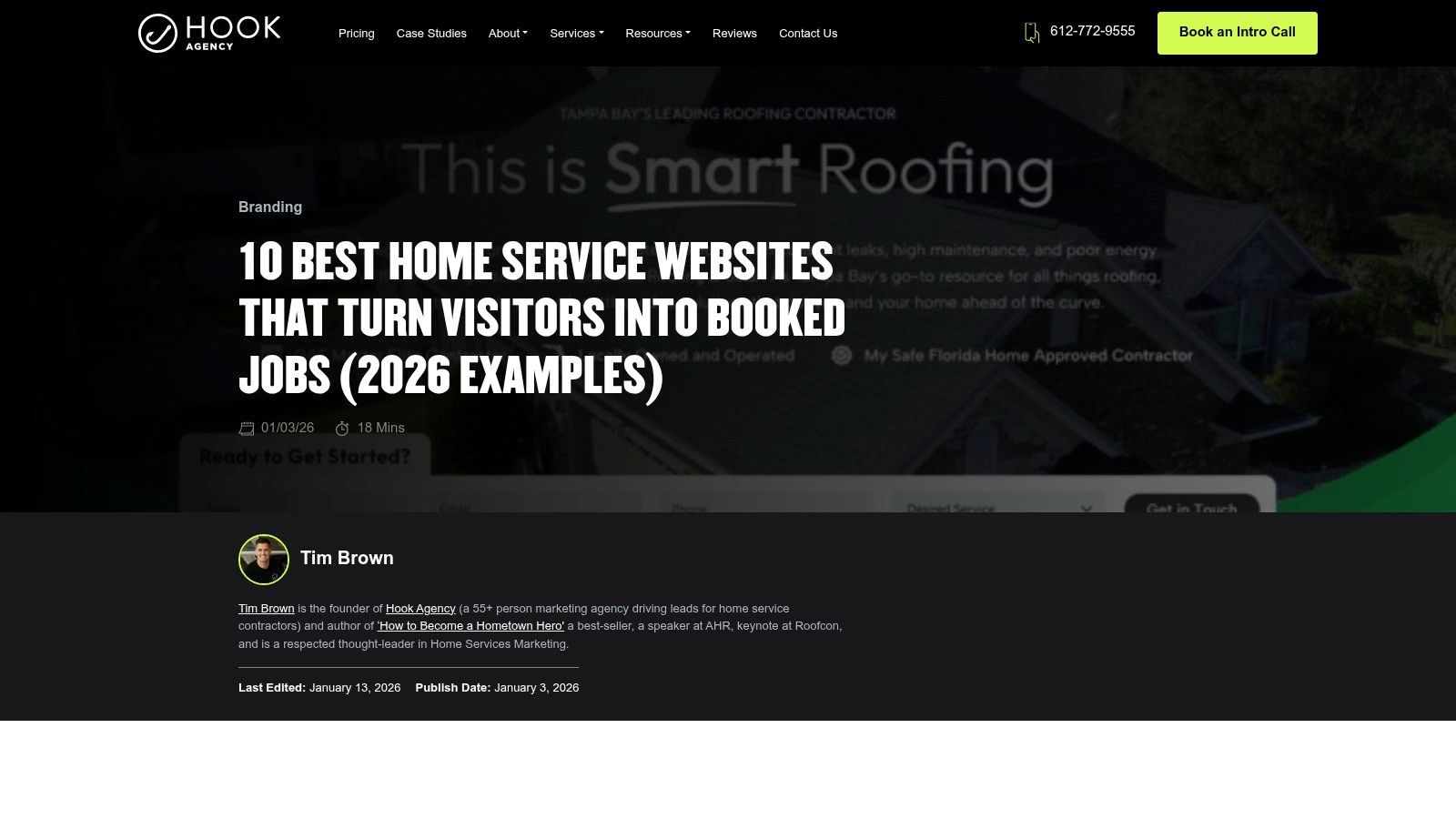
The local SEO takeaway is simple. Build around the way people search, not around the way the company is organized internally. “Roofing,” “repairs,” and “about us” may be useful navigation categories, but “roof repair in Dallas” and “roofing contractor near me” reveal a much clearer commercial need.
The five-point implementation test
- Hero: Put the service-city combination and immediate offer in the first viewport. A mobile user shouldn't need to scroll to discover the page's purpose.
- Proof: Show the people, vehicles, licenses, reviews, warranties, and completed work that make the company feel real.
- Schema: Connect the visible business details to suitable local and service markup. Validate the implementation instead of assuming the code is correct.
- CTA: Use one primary action throughout the page. Supporting links can remain, but the button language should not change from "Get a Free Estimate" to an unrelated "Contact Us."
- City signals: Create useful "[Service] in [City]" pages where the market supports them. Add local proof and internal links instead of cloning the same paragraph across every URL.
Google says local pack and Maps visibility depends on relevance, distance, and prominence, as summarized in Boomcycle's Google Maps SEO guide. That means a beautiful landing page can't overcome an inaccurate profile, an implausible location, or weak local reputation. The page has to support the broader local search system.
The same principle applies to AI-driven discovery. LSEO's discussion of local SEO beyond 2025 highlights the need for fast, human-first pages, structured data, FAQs, and locally specific context as search environments evolve. Write so a customer can understand the service, location, proof, and next step, then make those same facts easy for search systems to interpret.
Top 7 Local Landing Page Comparison
| Source | Implementation complexity | Resource requirements | Expected outcomes | Ideal use cases | Key advantages |
|---|---|---|---|---|---|
| Scorpion | Low, actionable, high‑level recommendations | Minimal, content/brief updates, no tooling | Better above‑the‑fold conversions and ad→page match | HVAC, plumbing, electrical, roofing teams needing quick briefs | Service‑industry specific examples; skimmable conversion focus; 2026 updates |
| Apexure | Medium, apply section‑level CRO changes | Moderate, time and CRO/design expertise to act on teardowns | Deeper CRO gains from section optimizations | Teams wanting detailed, repeatable teardowns and A/B test ideas | Large (300+) searchable gallery; consistent section analyses |
| Swipe Pages | Low, practical annotated takeaways for builders | Minimal–moderate, copy/CTA changes; page builder friendly | Improved mobile conversions and speed‑focused results | Local businesses prioritizing paid/GBP traffic and mobile users | Emphasizes mobile, speed and local buyer psychology; current 2026 examples |
| Unbounce | Low, ready‑to‑customize templates with testing tools | Paid subscription plus design/content resources | Rapid template testing and iterative PPC improvements | Teams seeking fast template-driven launches and A/B testing | Large template library; built‑in A/B testing and CRO ecosystem |
| SangFroid Web Design | Low, case‑style guidance for city pages | Minimal, content strategy and local proof work | Better local SEO and conversion for service×city pages | Companies building differentiated city/service pages | Focused on US city pages; balances SEO and conversion tactics |
| Roast My Page | Low, quick critiques for pattern spotting | Minimal, browse gallery and apply short takeaways | Incremental conversion improvements across trades | Home‑service businesses seeking trade‑specific examples | Broad, home‑service‑only coverage; trade filters and frequent updates |
| Hook Agency | Low–Medium, advice plus red‑flag identification | Moderate, implementation may need dev/design work | Improved bookings via speed, mobile and local‑SEO fixes | Agencies/stakeholders briefing city/service page builds | Practical conversion focus; highlights red flags and content structure |
Your 7-Point Local Landing Page Checklist
A local landing page should make a transactional search feel like a direct route to a qualified local provider. The visitor has already shown intent by searching for a service and location. Your job is to remove doubt, confirm proximity, and make contact easy.
Use this copy-paste checklist for a roofer, dentist, HVAC company, plumber, pest control business, chiropractor, or med spa:
- Transactional headline with the city: Write the service and location into the hero. Use “Emergency Plumbing in Gilbert” or “Dental Implants in Beverly Hills,” not a vague brand slogan. Local guidance recommends location-specific keywords in titles, meta descriptions, and headers because the page needs to match the geographic intent of the query. Siege Media's search-intent guidance explains why separate service-area and industry pages can be a defensible structure.
- Click-to-call above the fold: Display the phone number beside the primary CTA. A visitor searching “roofer near me” may be ready to call immediately, while another may prefer a form.
- NAP block: Show the consistent business name, address, and phone number, along with hours where relevant. Add directions, parking information, and service-area details when they help someone confirm you are local.
- LocalBusiness and Service schema: Mark up the business and service accurately. Keep the visible copy, profile information, and structured data aligned. Schema supports clarity, but it doesn't replace useful content or a credible Google Business Profile.
- Reviews cluster: Feature concise, relevant reviews near the first conversion point. A review about the exact service and city is more persuasive than an undifferentiated wall of praise.
- Service-area map: Add a map or clear service-area explanation where appropriate. For a storefront, show the location and directions. For a mobile service business, explain the areas covered without suggesting a false office.
- One primary CTA: Choose the action that fits the intent, such as “Book a Consultation,” “Request a Free Estimate,” or “Call for Emergency Repair.” Repeat that action consistently and remove competing paths that distract from it.
The commercial case for local relevance is substantial. One analysis of 847 local business landing pages across 12 industries, including 312 A/B tests and $2.3 million in ad spend, found that pages with clear service-area information converted 67% better than pages without it. The same analysis cites Unbounce's 2024 benchmark of a 2.35% average landing-page conversion rate across industries versus 5.31% for optimized local service pages, as reported by PPCinfo's local landing page optimization guide. The practical lesson is to state where you work, not merely what you do.
Transactional Marketing is positioned around those high-intent searches, the queries where a person is looking for a roofer, dentist, HVAC technician, or another provider ready to help. Its services include SEO, Google Maps optimization, Google Business Profile setup and management, web development, paid campaigns, and AI-assisted content planning for industry-specific and service-city pages. The approach is contract-free, with reporting focused on service-city rankings, map visibility, Search Console queries, and traffic.
Don't publish seven city pages because a spreadsheet says you should. Publish the page that answers a real service-location query, add proof that belongs to that market, connect it to the right service hub, and make the next step effortless. That is how a local landing page supports visibility in search, stronger Maps relevance, and more booked jobs.
Transactional LLC builds service-specific landing pages, supports Google Maps and Google Business Profile optimization, and uses AI-assisted content planning to target high-intent local searches. Visit Transactional LLC to discuss a service-city page system built around the calls and bookings your business wants.